Last updated
How to Join
Join the StoneHaven Discord, get verified, apply for membership, get allowlisted, install the modpack, and connect to StoneHavenSMP.
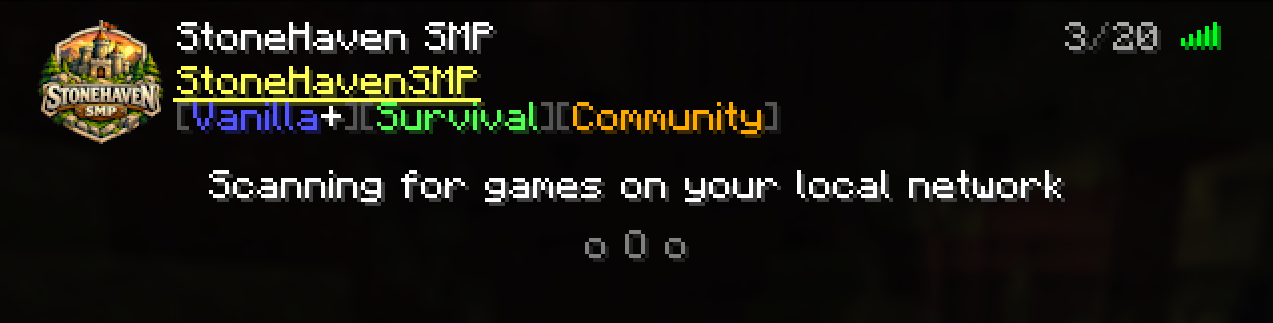
StoneHavenSMP uses an allowlist so the world stays welcoming and intentional. The path in is straightforward.
Overview
Join the StoneHaven Discord
Start in the community Discord — that is where verification, applications, announcements, and support live. Use the Welcome invite below.
Get Verified
Complete verification in the ✅ VERIFICATION channel so you can access the rest of the server.
Apply for membership
Submit your application in the 📝 APPLICATION channel. Staff review applications to keep the community healthy.
Receive the Member role
Once approved, you receive the Member role in Discord. That role marks you as part of the community.
Get added to the Minecraft allowlist
After approval, staff add your Minecraft username to the StoneHavenSMP allowlist.
Install the shared modpack
Use the Modrinth App and the shared StoneHavenSMP instance so your client matches the server.
Connect to the server
Add the server address and join when you are ready.
Discord
Join using the official Welcome invite:
Read the welcome and rules channels next, then complete verification before applying.
Verification
After you join Discord, get verified in the ✅ VERIFICATION channel. Verification unlocks the channels you need for applications and community resources.
Application and Member role
Applications live in the 📝 APPLICATION channel. Follow the instructions posted there. Staff review applications — the process is meant to be quick and friendly. After approval you receive the Member role. That role is your community membership marker and is separate from Minecraft permissions you earn later through play.
Allowlist
StoneHavenSMP does not accept random public connections. You must be on the allowlist. Use the exact Minecraft Java username you will play with when you apply.
Server connection details
| Detail | Value |
|---|---|
| Address | play.stonehavensmp.com |
| Edition | Java Edition |
| Version | 26.2 |
| Software | Fabric |
After you connect
- Read the Community Rules.
- Follow the First Day Guide.
- Learn Building Etiquette before claiming a large build area by proximity alone — StoneHavenSMP does not use a land-claiming system.
If you cannot join after being allowlisted, check Troubleshooting or Submit a Ticket(opens in a new tab) in Discord with your logs and screenshots.
Related articles
Getting Started
Installing the Modpack
Install the Modrinth App and the shared StoneHavenSMP Fabric instance so your client matches the server.
Rules and Policies
Community Rules
Core community expectations for StoneHavenSMP — respect, theft, griefing, consent PvP, and fair play.
Support
Troubleshooting
Fix common StoneHavenSMP launch, join, voice chat, and shader problems.